
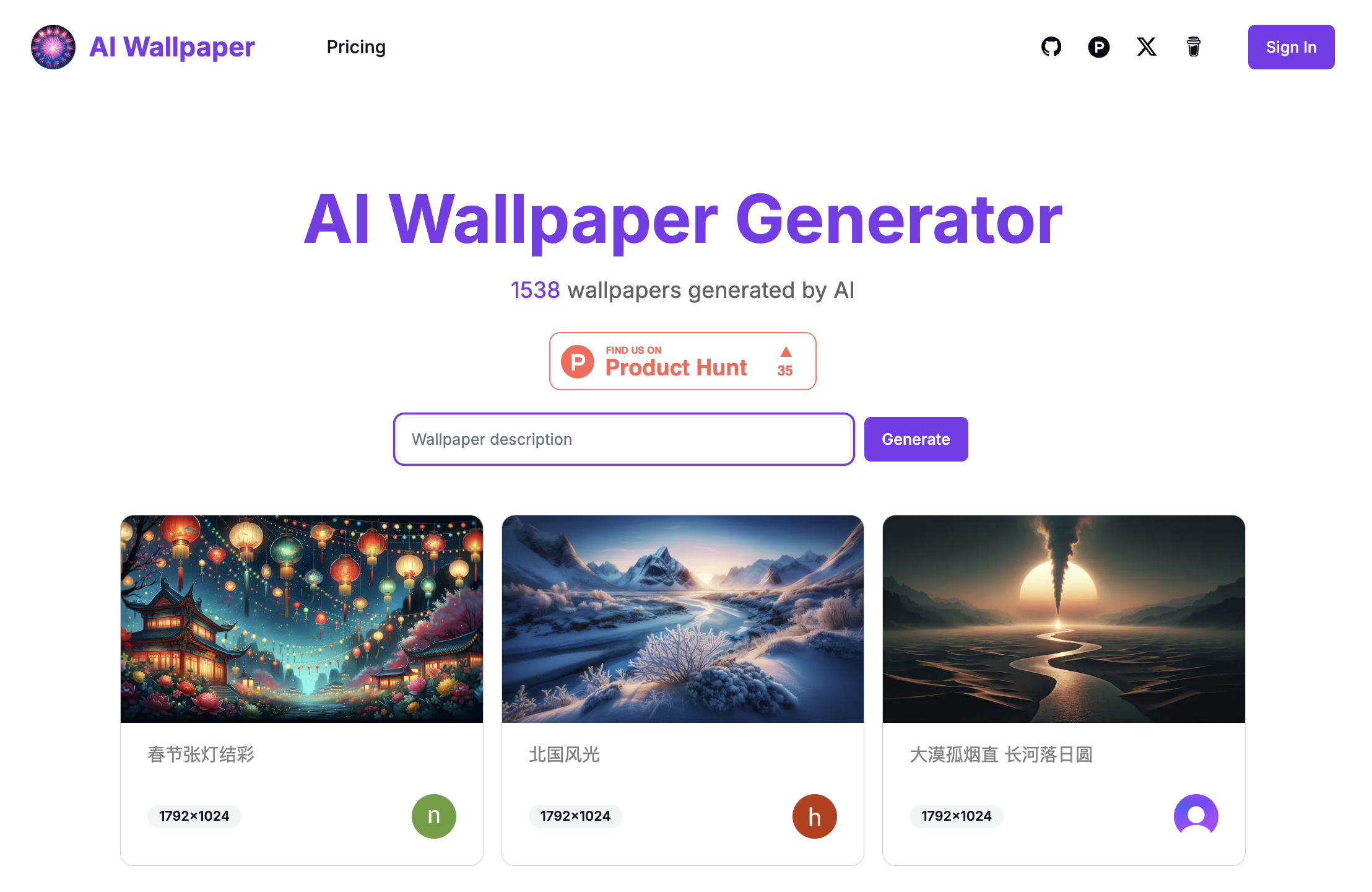
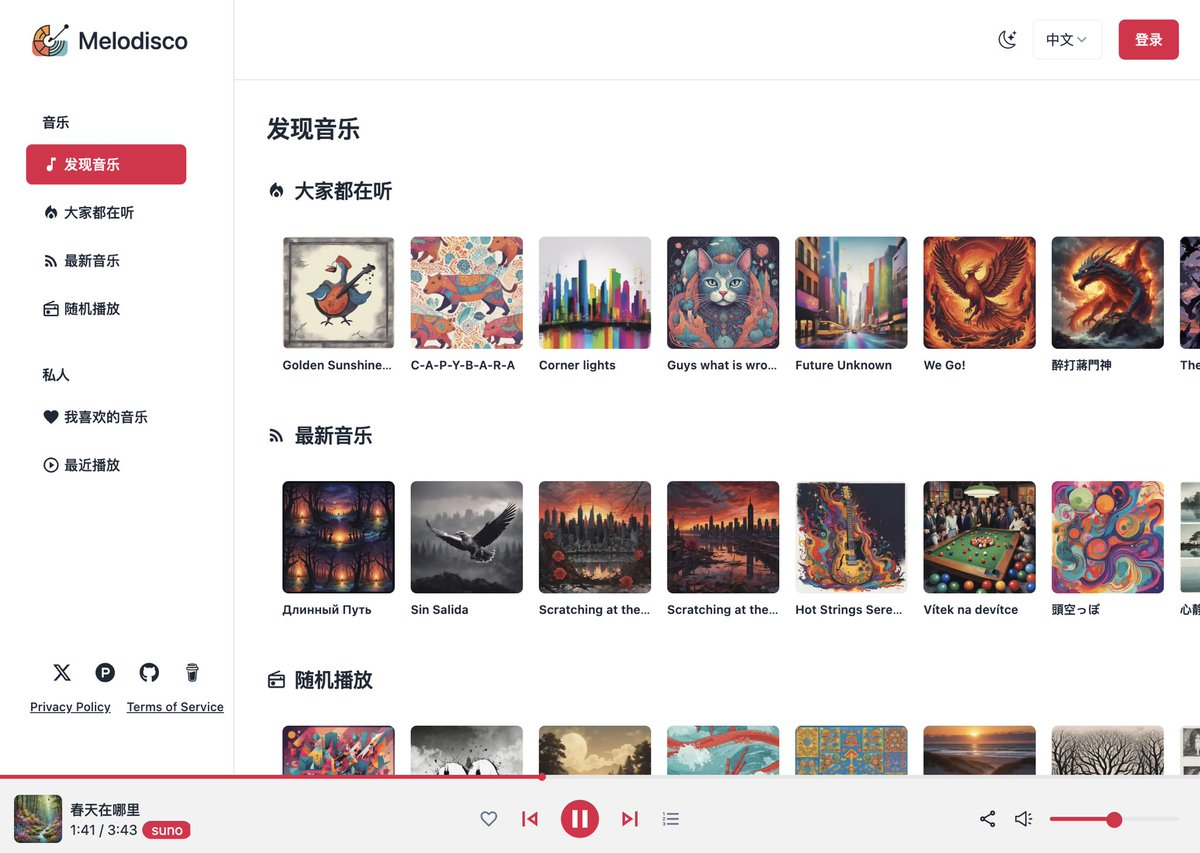

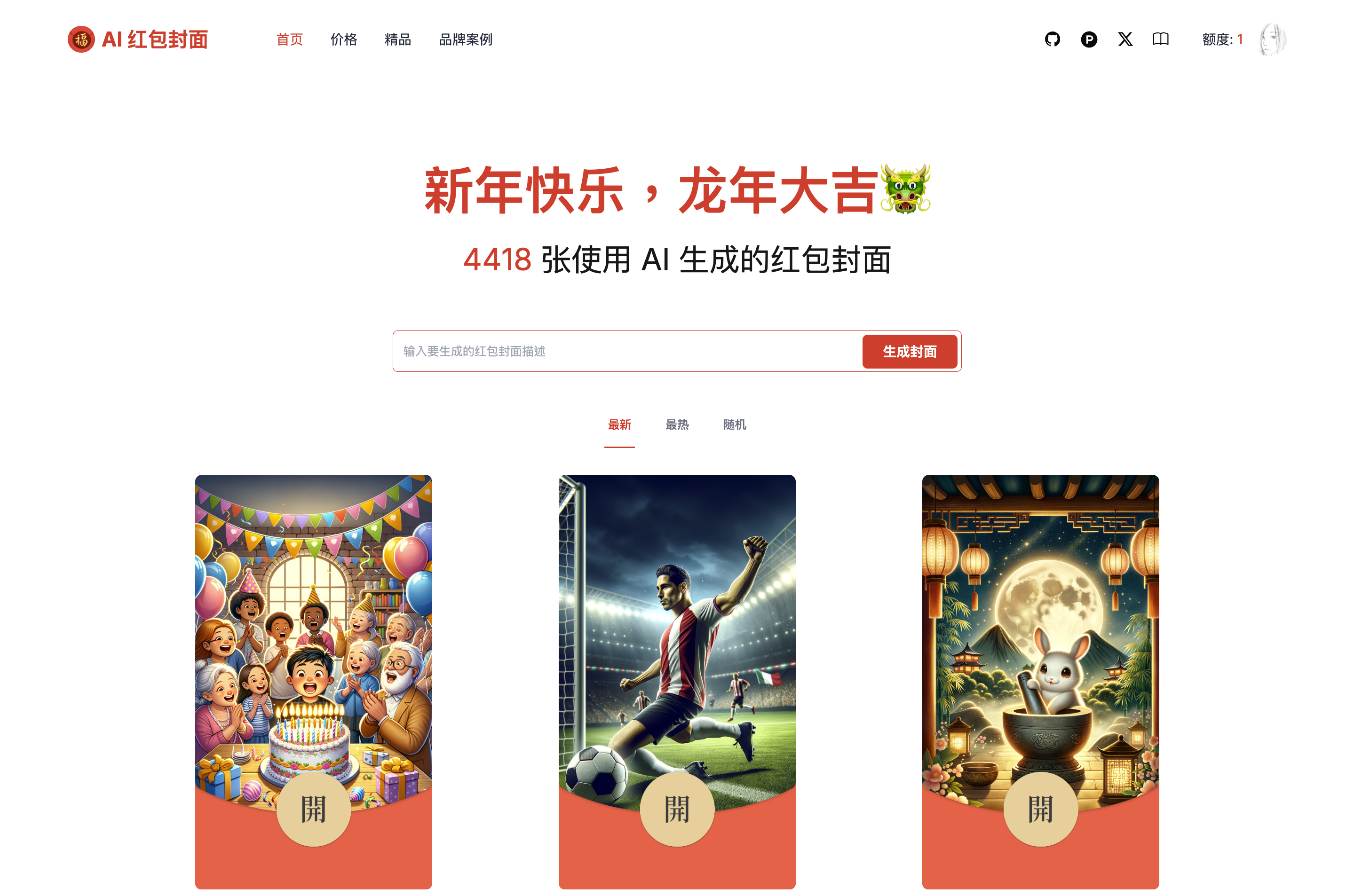
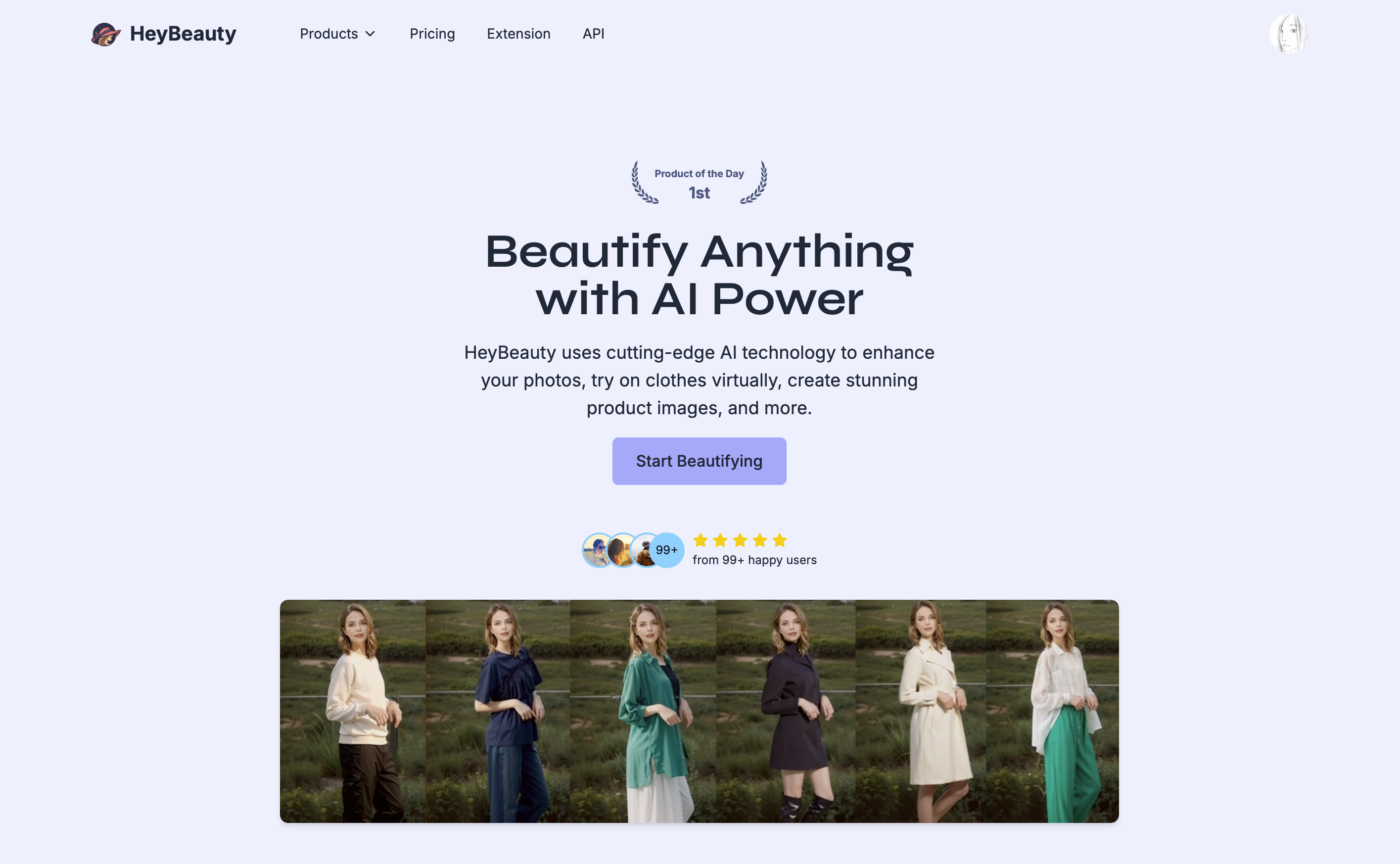
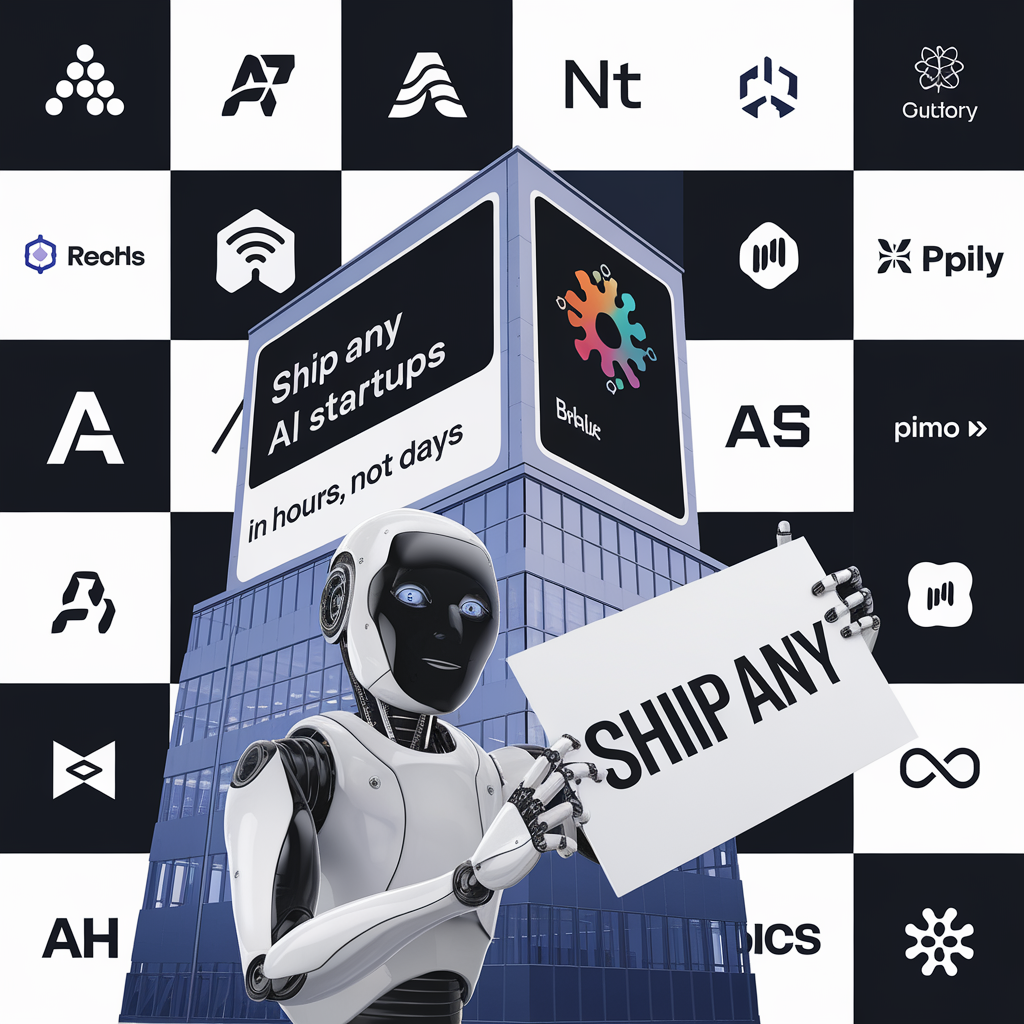
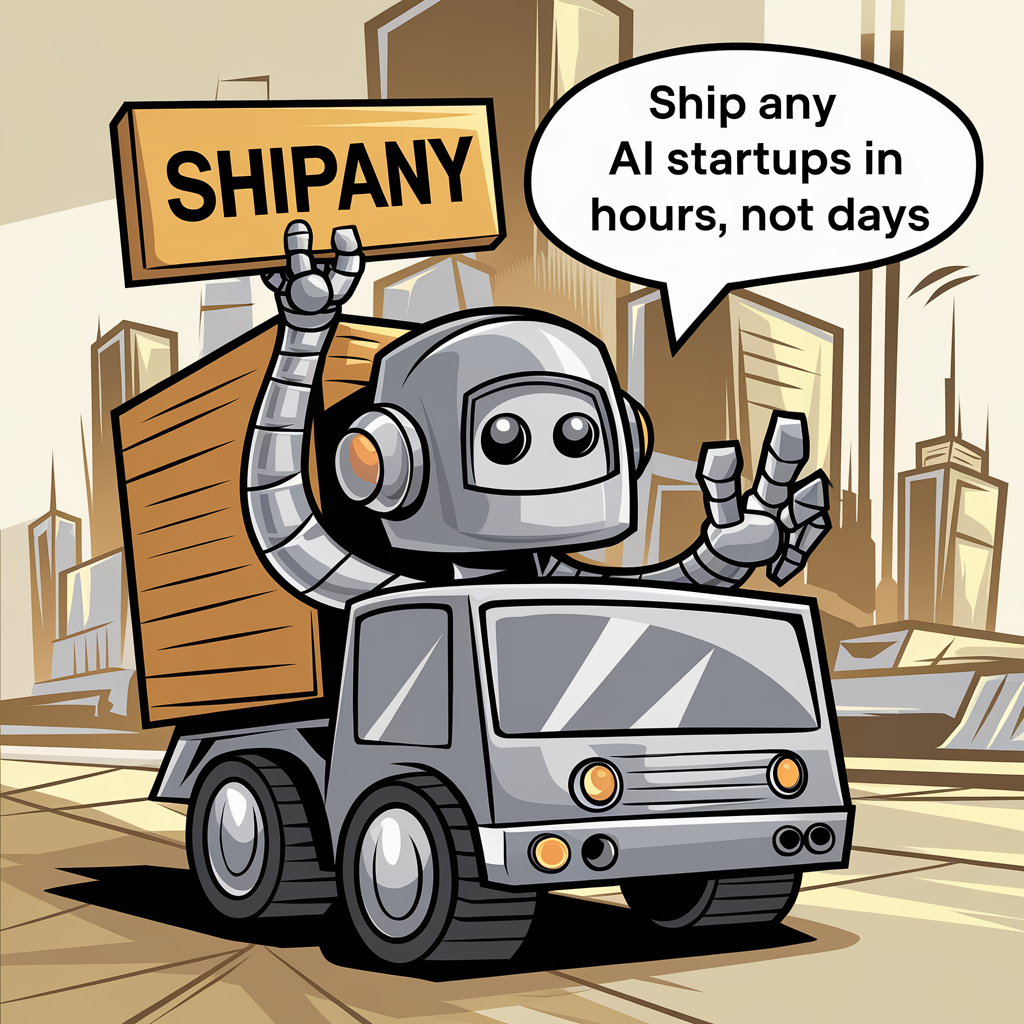
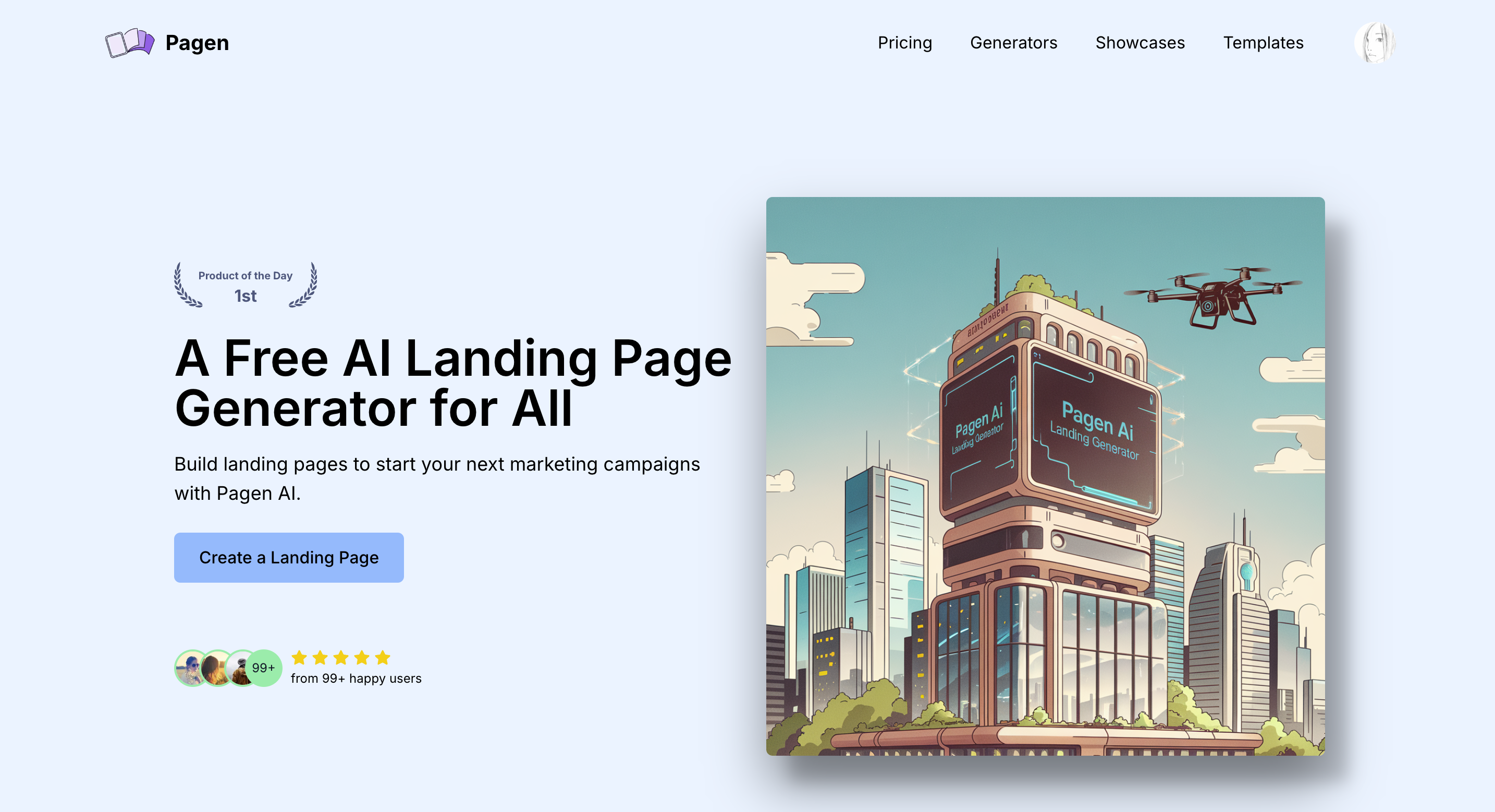
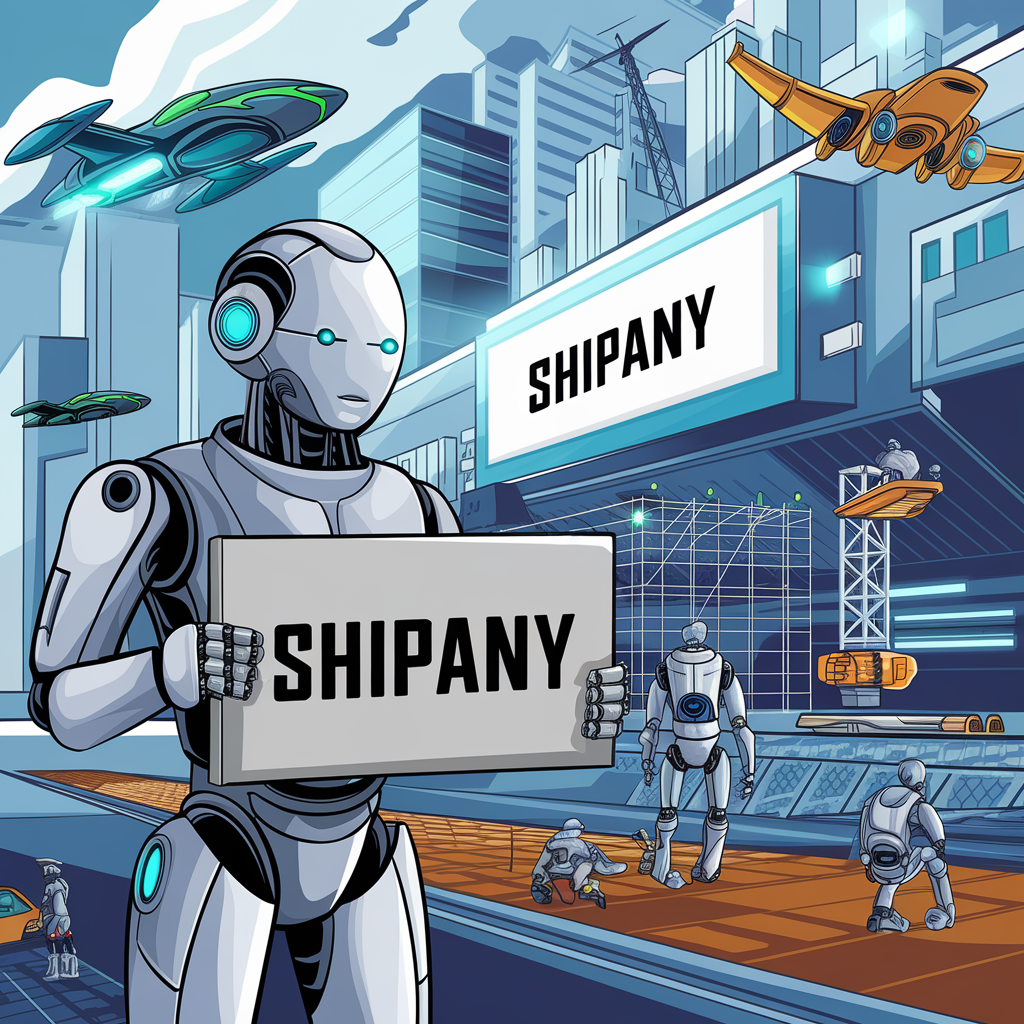

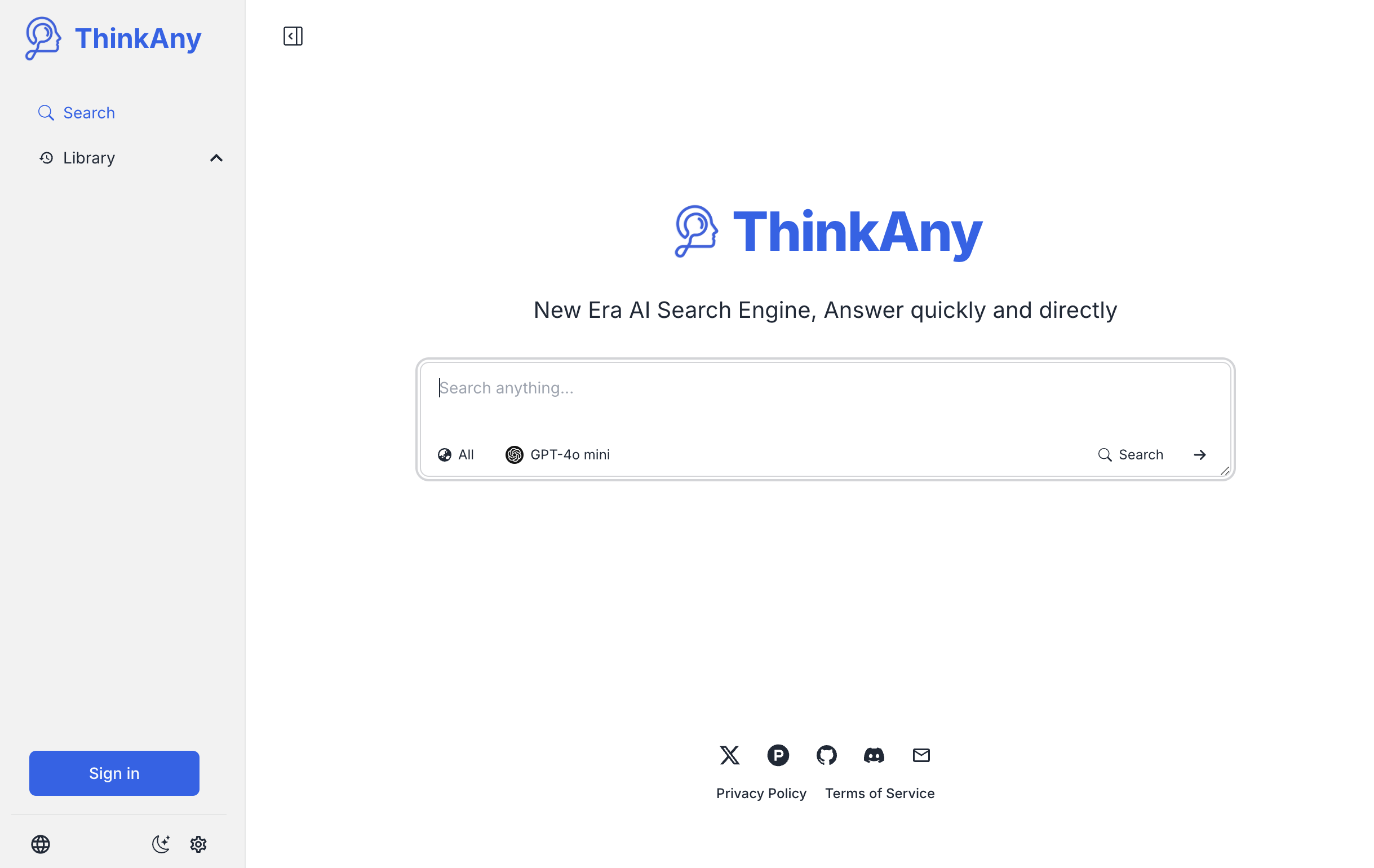

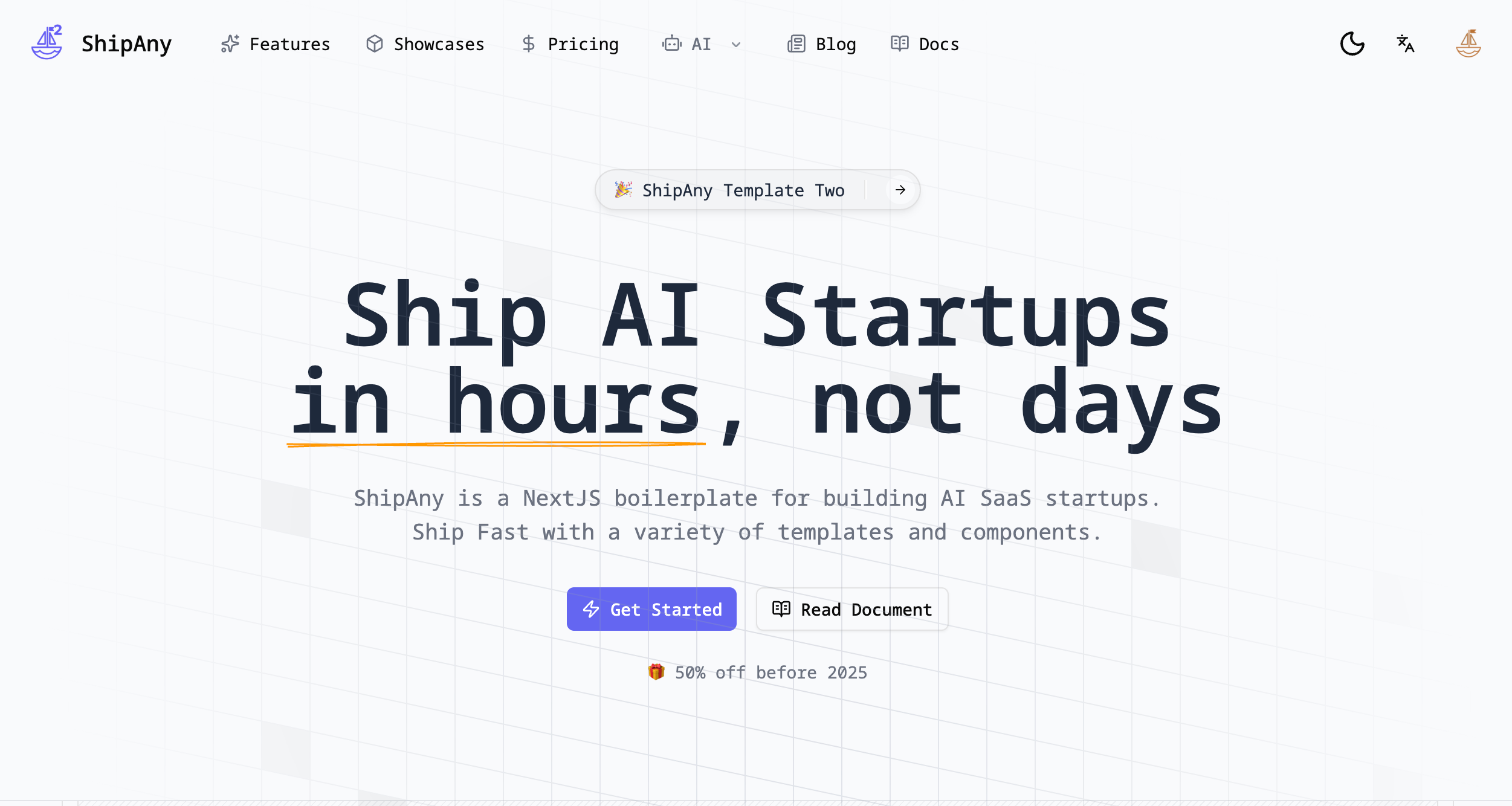
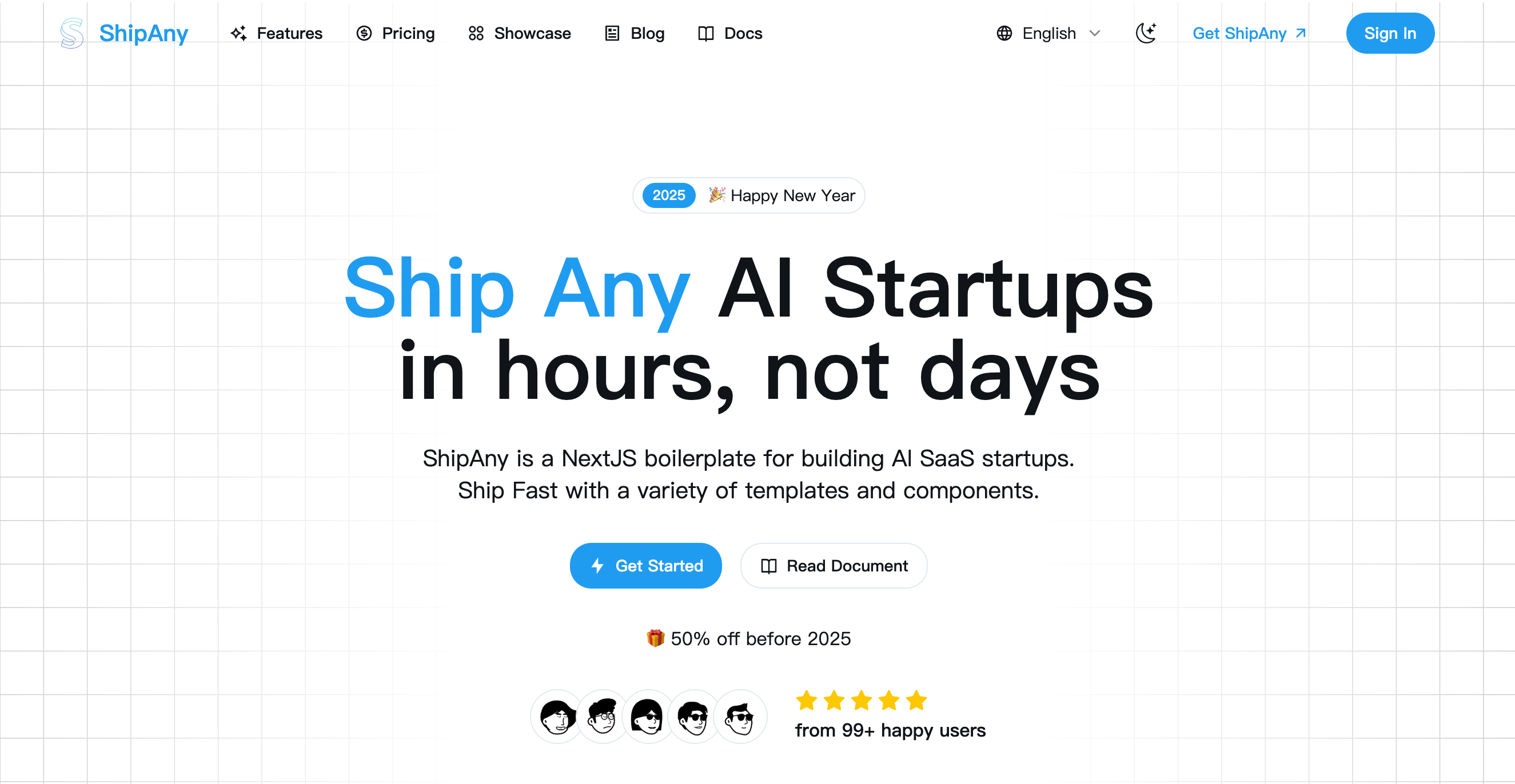
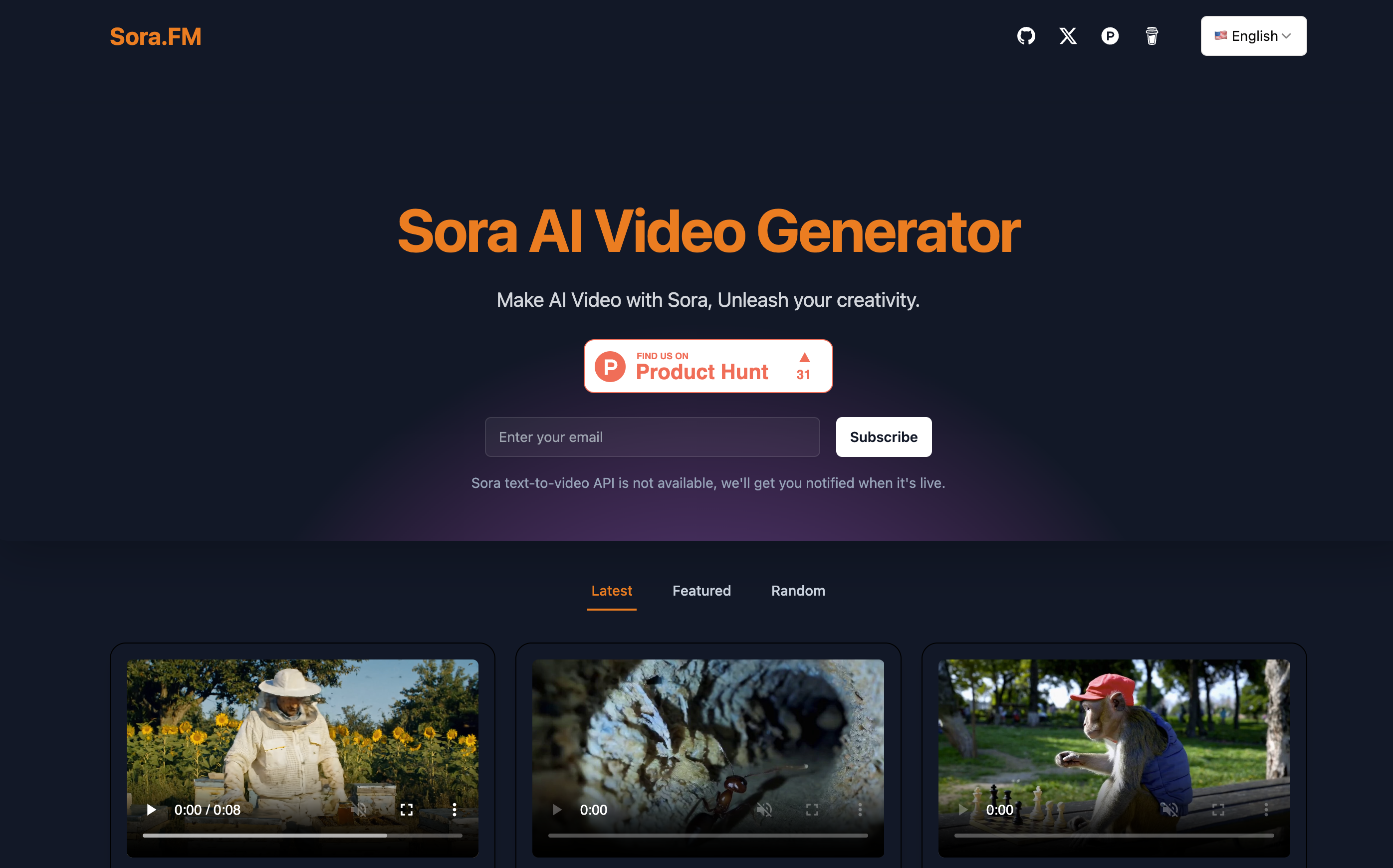
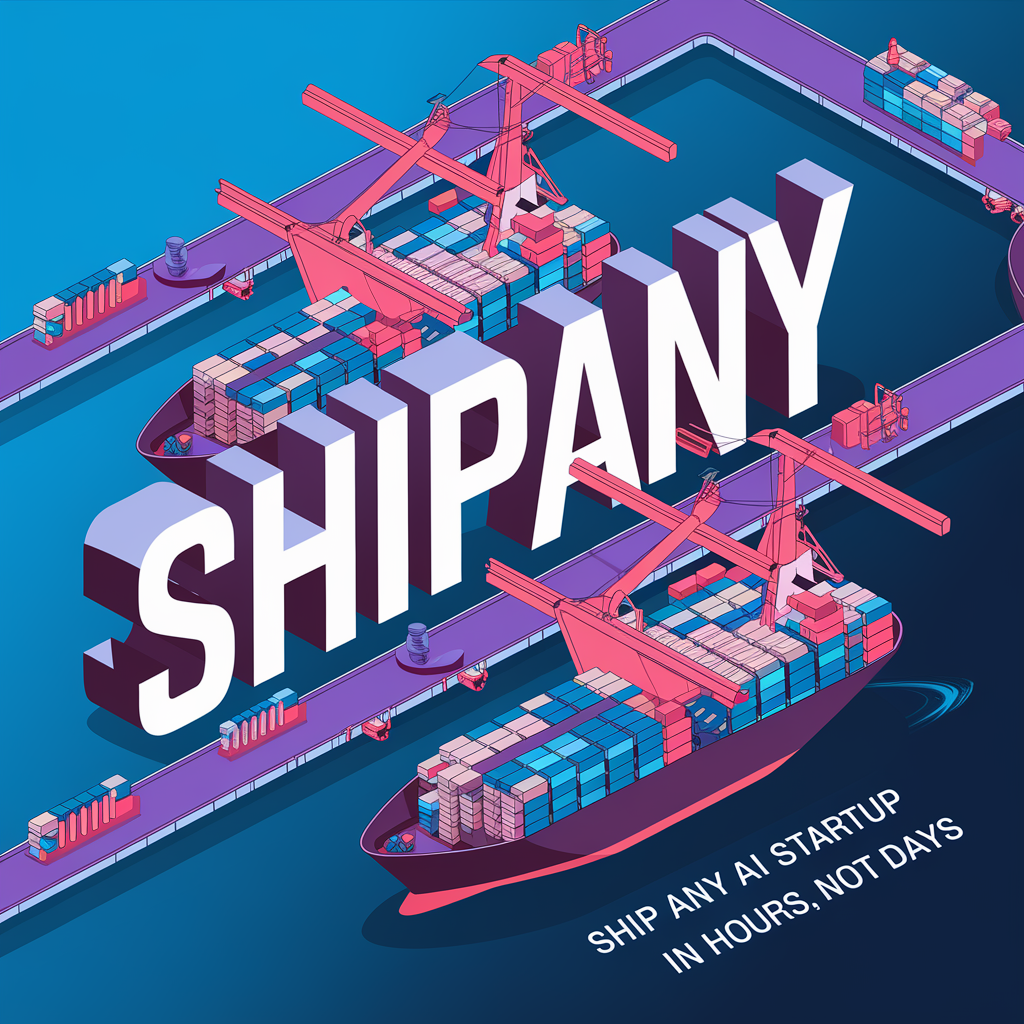
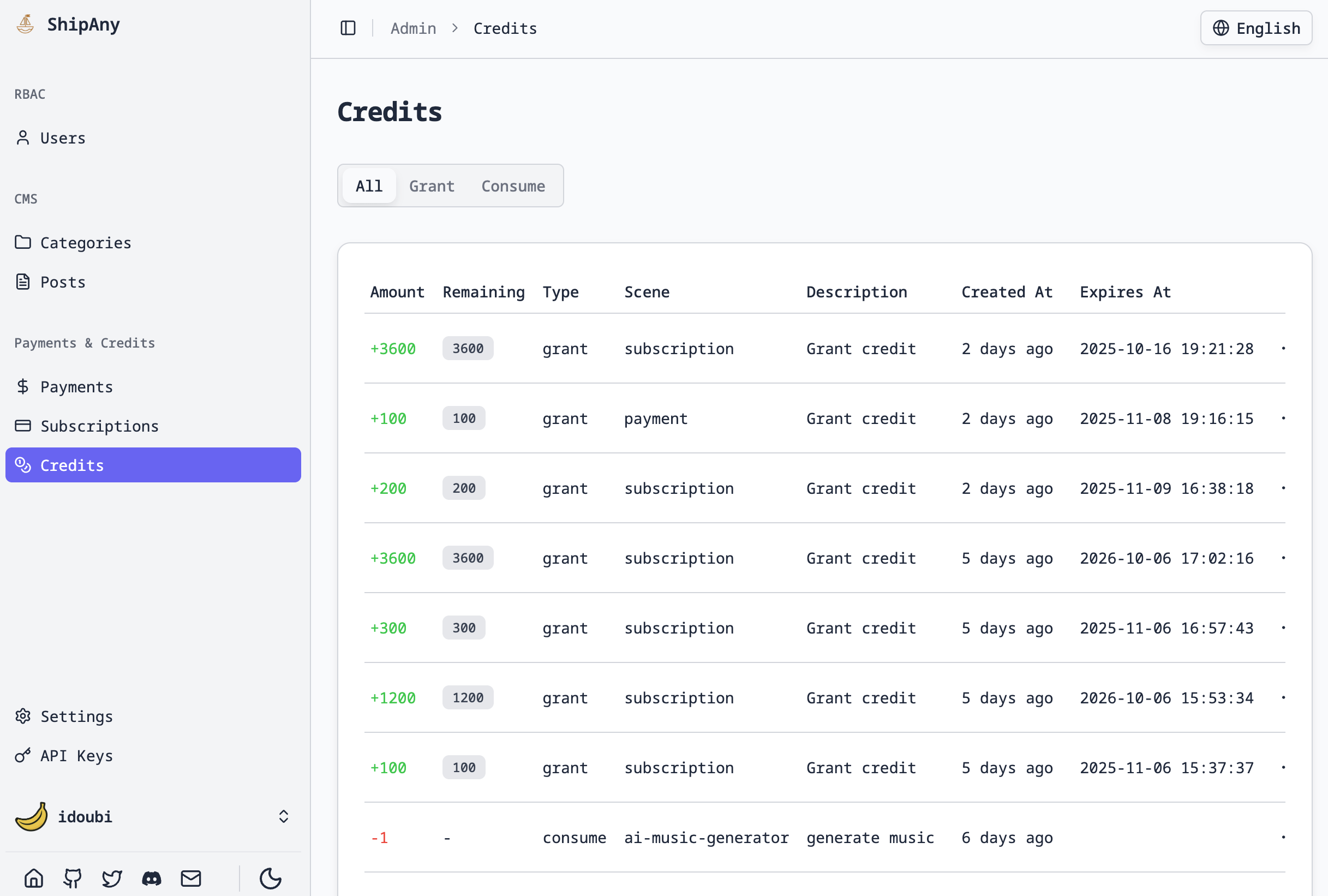
ImgPrompts homepage visual example 1-1
ImgPrompts homepage visual example 1-2
ImgPrompts homepage visual example 1-3
ImgPrompts homepage visual example 1-4
ImgPrompts homepage visual example 1-1
ImgPrompts homepage visual example 1-2
ImgPrompts homepage visual example 1-3
ImgPrompts homepage visual example 1-4
ImgPrompts homepage visual example 2-1
ImgPrompts homepage visual example 2-2
ImgPrompts homepage visual example 2-3
ImgPrompts homepage visual example 2-4
ImgPrompts homepage visual example 2-1
ImgPrompts homepage visual example 2-2
ImgPrompts homepage visual example 2-3
ImgPrompts homepage visual example 2-4
ImgPrompts homepage visual example 3-1
ImgPrompts homepage visual example 3-2
ImgPrompts homepage visual example 3-3
ImgPrompts homepage visual example 3-4
ImgPrompts homepage visual example 3-1
ImgPrompts homepage visual example 3-2
ImgPrompts homepage visual example 3-3
ImgPrompts homepage visual example 3-4
NEWA fresh workspace for reusable AI image workflows

ImgPrompts
AI image prompts, visual briefs, and generation workflows

ImgPrompts helps turn loose visual ideas into clear image prompts, reference notes, and reusable creative workflows for website assets, ad visuals, social content, and brand proposals.

This first baseline keeps the reusable generation, upload, auth, billing, and content framework while shifting the public product story toward the ImgPrompts prompt workspace.

ImgPrompts Studio

Start from a visual goal: describe the scene, subject, style, use case, and constraints, then shape it into a reusable image prompt.

The generator entry stays in place so the new project can later connect its own model, credits, uploads, and task history.

ImgPrompts Studio

Model in use: ImgPrompts Image
Image Preview
Design a hero visual for an AI image prompt workspace: clean prompt cards, reference image grid, soft studio lighting, modern SaaS interface
Workflow

From visual idea to reusable image prompt

1

Define the creative goal

Clarify the use case, subject, audience, format, and delivery context before writing the prompt.

2

Add references and constraints

Collect reference images, brand cues, negative requirements, and style boundaries for steadier results.

3

Structure the prompt

Break subject, environment, lens, material, lighting, composition, and output requirements into reusable parts.

4

Save the workflow

Keep tested prompts, parameters, and results so teams can reuse them for ads, social posts, product images, and content.

Why ImgPrompts fits real image production workflows

When you look at search grounding, reasoning, consistency, typography, and 4K delivery together, it becomes clearer why ImgPrompts is more than a basic image model.

  • Real-World Knowledge:Combines Google Search and image grounding to render real-world landmarks and facts more accurately.

  • Multi-Subject Consistency:Industry-leading identity retention for up to 4 characters and 10 objects within one sequence.

  • Advanced Typography:Precise multilingual text rendering for professional infographics and global campaign visuals.

  • Chain-of-Thought Reasoning:Built-in thinking levels analyze complex prompts for stronger logic and better instruction following.

  • Professional 4K and Extreme Ratios:Native 4096×4096 output with support for 1:8, 8:1, 1:4, and 4:1 specialty formats.

01

Real-World Knowledge and Grounding

ImgPrompts connects directly to Google's real-time knowledge graph. Unlike models limited to closed training data, it can ground geography, history, and science-oriented visuals with current world knowledge for stronger factual accuracy.

Prompt

An infographic about the water cycle.

Output Image

02

Outstanding Character and Style Consistency

Keep characters and styles consistent across an entire project. ImgPrompts can reference up to 14 input images, making it far more reliable when multiple subjects need to share one coherent visual language.

Output Image

03

Advanced Typography and Localization

Move past random gibberish. ImgPrompts can render clearer, more readable characters, making it better suited for signs, labels, branded copy, and other imagery that needs dependable text output.

Prompt

Close-up shot of a large wooden sign standing in a forested area. The sign contains a local bird-watching notice written in elegant, clearly legible script. Preserve natural lighting, wood texture, and the rustic outdoor atmosphere.

Output Image

04

Chain-of-Thought Reasoning

ImgPrompts exposes configurable reasoning depth. By increasing the model's thinking budget before rendering, it handles complex style directions, object relationships, and composition constraints more faithfully.

Prompt

A pop-art portrait of a Black woman, drawn with bold outlines and a pure blue background. She wears a fluorescent blue and magenta striped suit jacket, heart-shaped sunglasses, and oversized earrings. Keep the shapes crisp, graphic, and shadow-free.

Output Image

05

Professional 4K and Extreme Aspect Ratios

From 512 px thumbnails to native 4K deliverables, ImgPrompts can scale to different output needs. It also supports panoramic ratios such as 4:1 and 8:1, along with mobile-first vertical layouts, without relying on awkward post-cropping.

Output Controls

High-frequency ImgPrompts use cases

These are the image production scenarios we optimized for first, so visitors can quickly judge whether ImgPrompts matches their business workflow.

Product Marketing

Generate ImgPrompts launch visuals, ads, and hero assets quickly.

Social Content

Produce platform-specific creative variations with one model.

Brand Design

Explore style systems and branded directions with controlled prompts.

E-commerce

Build product visuals and campaign bundles with consistent quality.

Internal Creative Ops

Enable teams to run repeatable ImgPrompts image workflows at scale.

Client Delivery

Deliver first drafts and polished assets in shorter cycles.

ImgPrompts FAQ

The key questions around the ImgPrompts online image generator, image editing workflow, reference control, and commercial delivery.

ImgPrompts | AI Image Prompt Workspace